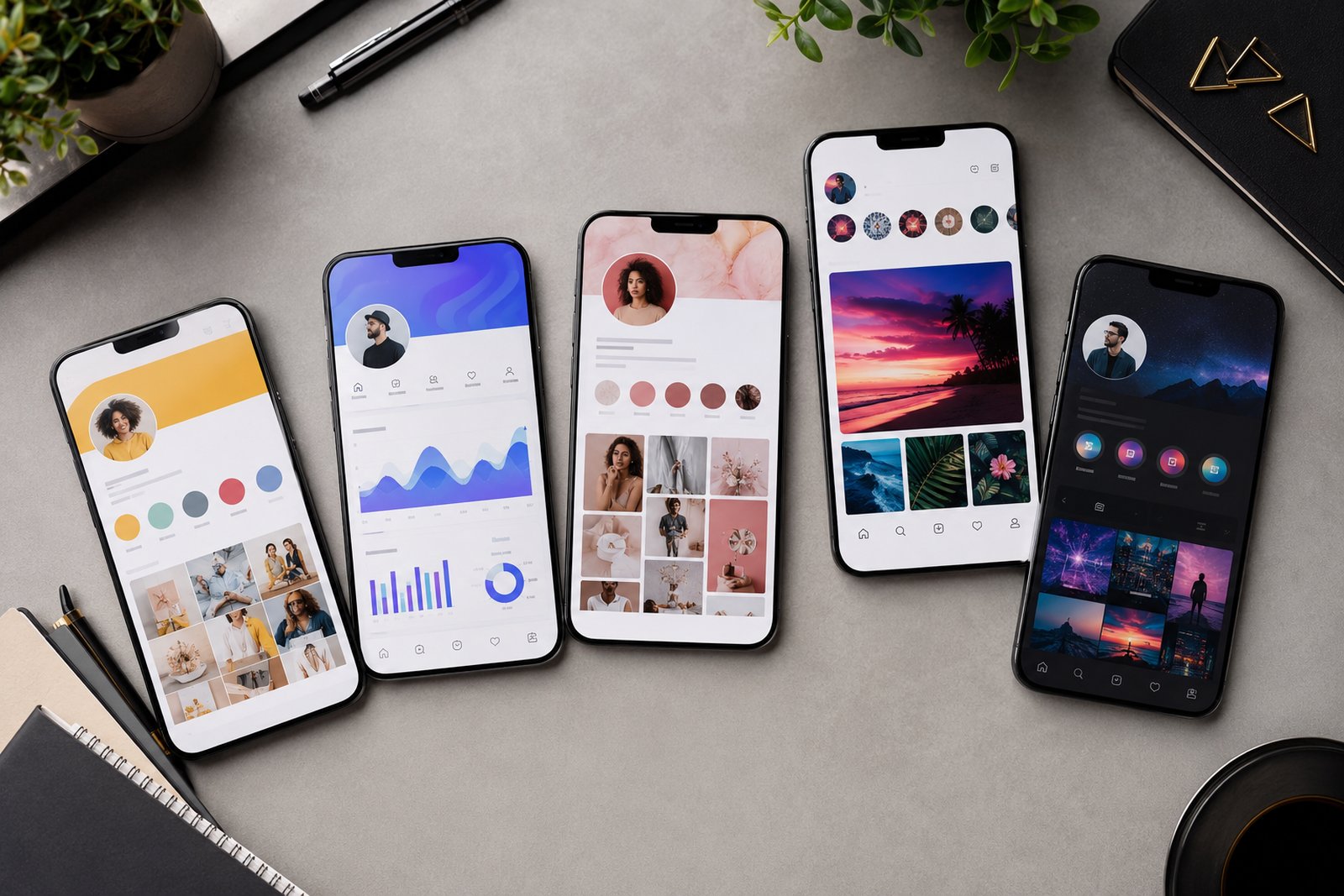
How do I coordinate multiple artist accounts and brands?
Coordinate multiple artists by keeping every brand fully separate out front but running them from one system behind the scenes. Use a password manager with per-artist vaults, a master calendar color-coded by artist, distinct asset folders, and strict habits so you never post to the wrong account.
One artist is mostly memory and instinct. Three or four is a logistics job, and the failure mode is public and humiliating. You post an artist's announcement to the wrong account, or you reply to a fan in completely the wrong voice. Anyone who's done it remembers the exact cold-sweat second they hit publish.
The fix isn't being more careful. Careful fails at 11pm. The fix is keeping each brand cleanly separate in the world while running them all from one tidy command center in the back. Separation out front, coordination behind. I've watched managers run five artists without a single crossed wire, and it was never luck. It was a system. Here's how to build it.
Get account access under control first
The root of multi-account chaos is logins. Passwords in a notes app, shared over text, the same one reused across five platforms. That's how accounts get hacked and how you lose access at the worst possible moment.
A password manager isn't optional once you pass one artist. 1Password and Bitwarden both do shared vaults, so you keep a separate vault per artist and hand a team member one artist without handing over everything. Then do platform access properly on top of that.
Do this instead of sharing raw passwords:
- Manage Instagram and Facebook through Meta Business Suite by role, so people get access without the password.
- Add managers as users in Spotify for Artists and YouTube, not as owners.
- When someone leaves, you revoke one role instead of changing ten passwords in a panic.
One calendar, separated by artist
You can't hold four release schedules in your head. You need one master view where every artist's posts, releases, and deadlines sit side by side, clearly labeled, so nothing collides and nothing gets forgotten.
Airtable is great for this because you tag every item by artist, then filter to one or zoom out to all of them. A calendar view colored by artist makes overlaps jump out, which is how you catch two big announcements both landing on the same Friday before it happens. Notion works for a smaller setup. A well-built Google Sheet does it on a budget. The tool matters less than the rule. One calendar, every artist on it, color-coded.
The wrong-account post almost never comes from carelessness. It comes from running two brands out of one blurry mental space. Separate the spaces and the mistake mostly disappears.
Keep brand assets in separate, obvious places
Every artist is its own brand. Own logo, fonts, palette, press shots, tone. Mix those folders and one day you send the wrong press photo to a journalist or grab the wrong logo for a poster, and you only notice after it's printed.
Give each artist a top-level folder in Google Drive or Dropbox, with the same internal structure every time: branding, press, music, artwork, contracts. Predictable structure means anyone on the team finds the right file fast without pinging you. Add a one-page brand sheet per artist, voice and do's and don'ts and key links, so the tone holds even when different people post.
A folder structure that scales:
- One parent folder per artist, named clearly.
- Identical subfolders inside every one, so muscle memory works.
- A brand sheet pinned at the top, so the voice never drifts.
Build habits that kill the wrong-account post
Tools cut the risk. A few hard habits kill it. The disaster is almost always a context-switching slip, so you engineer the context to be impossible to confuse.
Use a separate browser profile per artist, each with its own logins and even its own theme color, so the window itself tells you who you are. Schedule through Buffer or Later where you pick the account on purpose from a list, instead of posting live as whoever happens to be logged in. And do one tiny check before you publish. Read the account name out loud. It feels stupid. It works. I still do it.
Decide what's shared and what stays apart
The whole craft is knowing what to centralize and what to keep separate. Centralize the systems: one password manager, one calendar, one folder convention, one set of habits. Keep separate everything the public touches: the voice, the visuals, the accounts, the fan relationships. Blur the back end and you get slow. Blur the front end and you damage a brand.
A clean setup also makes handoffs painless. Bring on help, or pass an artist to another manager, and you hand over a vault, a folder, and a calendar filter, not a year of context trapped in your head. That's the difference between a roster you can grow and one that's permanently bottlenecked on you.
Here's the honest part. Coordinating multiple artists is less about apps and more about discipline that survives a busy week. The tools just make that discipline repeatable across people. At VRMA we run several artists at once, and the goal is always the same. Each one should feel like the only one we've got. That feeling is the job, and the system in the back is just how you keep the promise.
Quick answers
How do I stop posting to the wrong artist's account?
Engineer the context so it's impossible to confuse. Use a separate browser profile per artist with its own theme color, schedule posts through a tool where you pick the account from a list, and read the account name aloud before publishing. It's a context slip, not carelessness, so fix the context.
Should each artist have separate accounts and branding?
Yes. Always keep the public-facing side fully separate: accounts, voice, visuals, fan relationships. Each artist is its own brand and blurring them damages trust. Centralize only the back-end systems like passwords, calendars, and folders so you run everything efficiently without the brands bleeding into each other.
What is the safest way to share account access with my team?
Use a password manager with per-artist shared vaults, like 1Password or Bitwarden, plus platform role tools like Meta Business Suite so people get access without raw passwords. When someone leaves, you revoke one role instead of changing dozens of logins. Never share passwords over text or in a notes app.
How do I keep brand voice consistent across many artists?
Write a one-page brand sheet per artist covering voice, do's and don'ts, and key links, and pin it at the top of that artist's folder. Anyone posting can check it in seconds. Consistent tone across a team comes from a written reference, not from hoping everybody remembers what each artist sounds like.