How to Post DJ Sets on Instagram Without Getting Muted: Account Type, Clip Length, Permissions
To post DJ sets on Instagram without getting muted, use a creator account rather than a business account, post short clips of 10 to 30 seconds built around one track, add released tracks from Instagram's own music library instead of raw audio, get written permission from labels, and ask your distributor to allowlist your account for your own music.
You played the best two hours of your year, a friend caught the drop on their phone, and you posted it the next morning. By lunch the Reel says 'audio unavailable', or it plays in silence, or it has vanished from your grid with a copyright notice. Meanwhile a bigger DJ posts a club clip every day and nothing happens to theirs. It feels random. It is not.
Instagram mutes DJ clips for a small number of predictable reasons, and most of them come down to which account type you use, whose music is in the clip, and how the clip is built. Fix those three things and you will keep far more of your audio, without playing tricks that put your account at risk.
Why does Instagram mute DJ clips at all?
Everything you upload is scanned against reference audio that labels and publishers supply to Meta. When a match is found, the rights holder's settings decide what happens: some let the clip run, some claim it, some mute it, and some block it outright. That decision is set per track and can change later, which is why a Reel that played fine for months can suddenly go silent.
Instagram's own music guidelines also matter. They favour short clips of music over full tracks, expect a real visual component rather than a static image over a song, and limit full-length recorded tracks in live video. A long, board-quality recording of a set is exactly the kind of upload those rules are written against, whether or not you own the decks it was played on.
The detection system does not know you are a DJ. It only hears a recording of someone else's track, and it treats it the same as any other upload.
Is your account type the real problem?
This is the fix most DJs miss. Instagram's licensed music library is meant for personal, non-commercial use. Business accounts are limited to the much smaller Meta Sound Collection, because Meta's agreements with rights holders do not cover business use. If you switched to a business account years ago to see insights, you may have quietly cut yourself off from most licensed music.
A creator account gives you the same insights and scheduling tools while keeping access to the wider library. For most DJs and producers, creator is the right choice. Keep a business account only if you are really a company selling a product, such as a label, a club or a promoter brand, and accept that those accounts should not be posting commercial tracks they have not cleared.
- Check it now: Settings, then Account type and tools, and see which type you are on.
- If you are on business and you are an individual artist, switch to creator.
- Club, label and event accounts should assume they need permission for anything outside the Sound Collection.
How do you build a clip that keeps its sound?
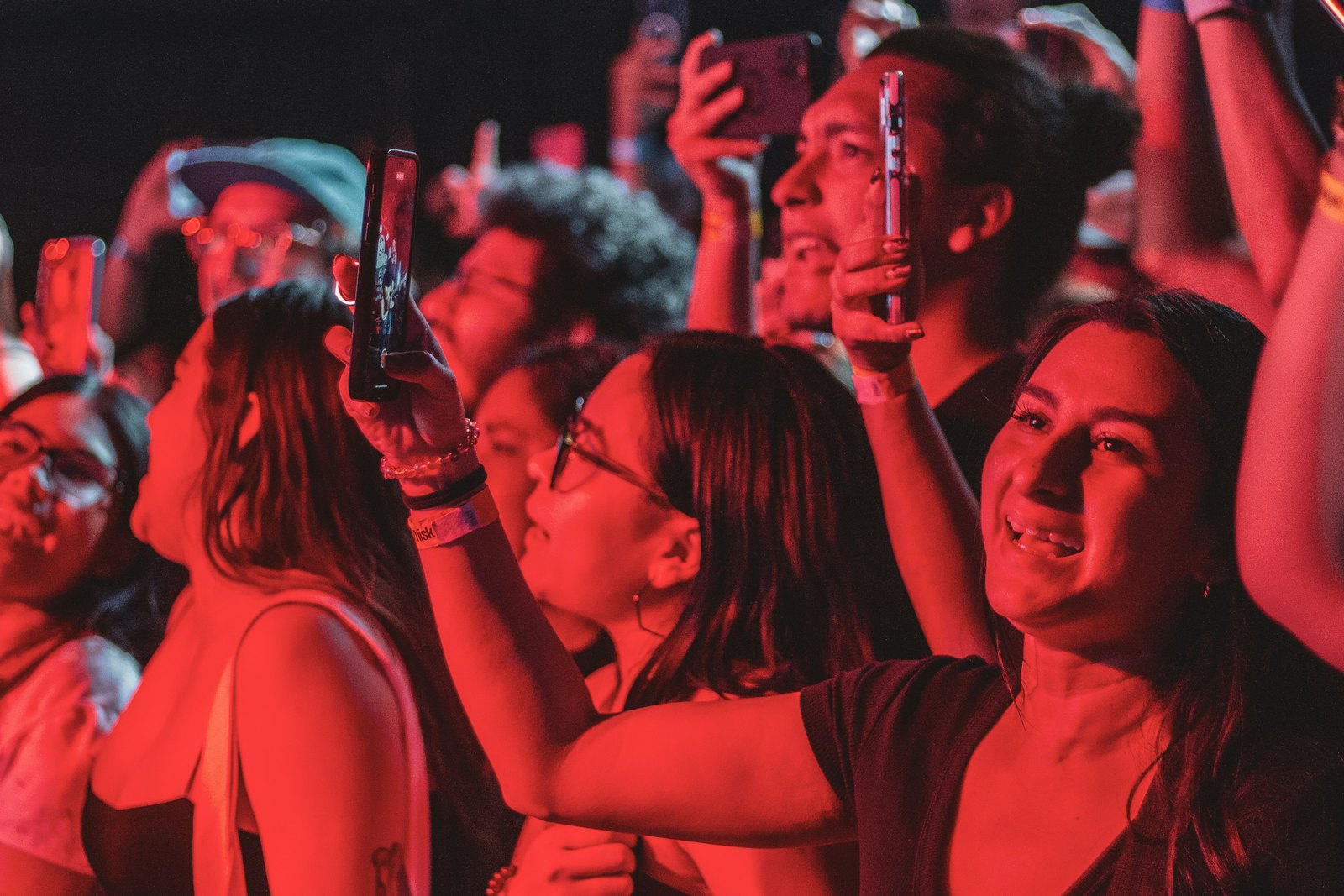
Think in moments, not sets. The clips that survive and the clips that perform are usually the same ones: 10 to 30 seconds around a single track, with the crowd, your hands and the room in shot. That is short music use with a clear visual component, which is what the guidelines ask for, and it is also what holds attention on a phone.
When the moment is built on one released track, use Instagram's own tools rather than fighting them. Add that same track from the in-app music library, line it up with your footage and turn your original audio down or off. The music is now licensed through Instagram, the track gets credited on your Reel, and viewers can tap through to it, which labels and producers appreciate.
When the moment is your own music, or an unreleased edit, keep the original audio and make sure you actually control the rights (more on that below). When the moment is a blend of two tracks by other artists, that is the riskiest clip you can post. Keep it very short or choose a different moment.
- Keep clips short and built around one track.
- Show people: crowd reactions, hands on the mixer, the room.
- Prefer in-app licensed audio for released tracks you do not own.
- Save long sets for platforms built for them, and link to them.
Can you post other artists' tracks with permission?
Yes, and for techno and house DJs this is often easier than it sounds. Many producers and small labels would love a clip of their track destroying a room. Ask the label or artist directly, get the yes in writing, and tag them. A direct message from the label to its own distributor or rights management contact is usually what it takes for them to allow your account, because the label controls the claim settings, not the producer's friends.
Be realistic about what permission covers. A friendly yes from the producer does not bind the label, the publisher or whoever administers the rights, and it does not change what the automated system does. Treat written permission as protection if you dispute a claim, not as a guarantee your audio will stay on.
What about your own tracks getting muted?
This happens constantly and it is fixable. When your distributor sends your releases to Meta, your own music enters the same matching system. If the claim settings are strict, your own promo clip can be muted or claimed like anyone else's. Many distributors let you allowlist your own Instagram and Facebook accounts, so look in your distributor's dashboard or ask their support before your next release.
Unreleased music is different. If a track has not been delivered anywhere yet, nothing should match it, unless you have sampled something that is in the system. That is one more reason to clear samples before you tease a track, because the snippet itself can expose a problem that the full release will later make much bigger.
Should you dispute a mute or just replace the audio?
If a Reel has already been muted, Instagram lets you replace the audio from the Reel's edit menu with a track from its library, which keeps your views and comments. That is usually the fastest recovery for a clip that is still performing.
Disputes make sense when you are right: the music is yours, you have written permission, or the match is simply wrong. Use the notice on the post to see who claimed it and follow the in-app route. Do not dispute clips you know contain someone else's track without permission, because repeated copyright issues can lead to restrictions on your whole account, and that costs far more than one silent Reel.
Never try to beat detection by pitching, speeding up or layering noise over a track. It breaks the platform's rules, it often fails anyway, and it puts the account you depend on for bookings at risk.
Where should full DJ sets live instead?
Instagram is a trailer, not a venue. Post the moment, then send people somewhere built for long mixes. Platforms that license DJ mixes, and YouTube with its own approach to claims, are much better homes for full recordings. Your Instagram job is to make people want to hear the rest: a strong clip, the track credited, and a clear line in the caption and your link in bio pointing to the full set.
This split also protects your account. A profile full of short, tagged, permission-friendly clips carries very little risk, while a profile full of uploaded hour-long sets is a steady source of claims that can build up against you.
What to do this week
- Check your account type and switch to creator if you are an individual artist on business.
- Go through your last 20 Reels, note which ones were muted, and look for the pattern: account type, full blends, long durations or your own music.
- Ask your distributor how to allowlist your own accounts before your next release.
- Message three labels whose tracks you play most and ask for written permission to post short clips, with a tag.
- For your next gig, plan to capture four or five 20 second moments around single tracks rather than one long recording.
Do this once and muting stops being a weekly surprise. Your clips get seen, the producers you play get credit, and your account stays healthy enough to keep doing its real job: getting you booked.
Quick answers
Why is my Instagram Story music fine but my Reel muted?
Stories and Reels can be treated differently, and the rights holder's settings for a track can apply to one format or change over time. Stories also disappear after a day, so there is less exposure. Do not read a Story that stayed up as proof a track is safe for a permanent Reel; check the account type and permission instead.
Does crediting the artist in the caption stop Instagram muting my clip?
No. Credits and tags are good manners and help the artist, but the automated system matches audio, not captions. A line like 'no copyright intended' has no effect either. What changes the outcome is using the track through Instagram's library, having the rights holder allow your account, or using music you control.
Is it safer to post DJ clips with crowd noise instead of mixer audio?
Room audio can feel more authentic and the crowd noise is part of the appeal, but you should not rely on it to avoid detection. Matching systems are built to recognise tracks in noisy recordings. Choose the audio that makes the best clip, and handle rights properly through account type, permissions and in-app music.
Can a muted Reel hurt my account?
A single muted Reel usually just loses its audio, and you can often replace the sound from the edit menu. Repeated copyright problems are different: Instagram can restrict features or accounts that keep posting music they do not have rights to. Keep your grid built around short, permitted clips to keep that risk low.
Should DJs go live on Instagram with full sets?
Treat Instagram Live as a short hangout rather than a broadcast of a full set. Instagram's music guidelines limit full-length recorded tracks in live video, and a long stream of other people's music is likely to be interrupted. If you want to stream a full set, use a platform with licensing built for DJ streams and promote it on Instagram.