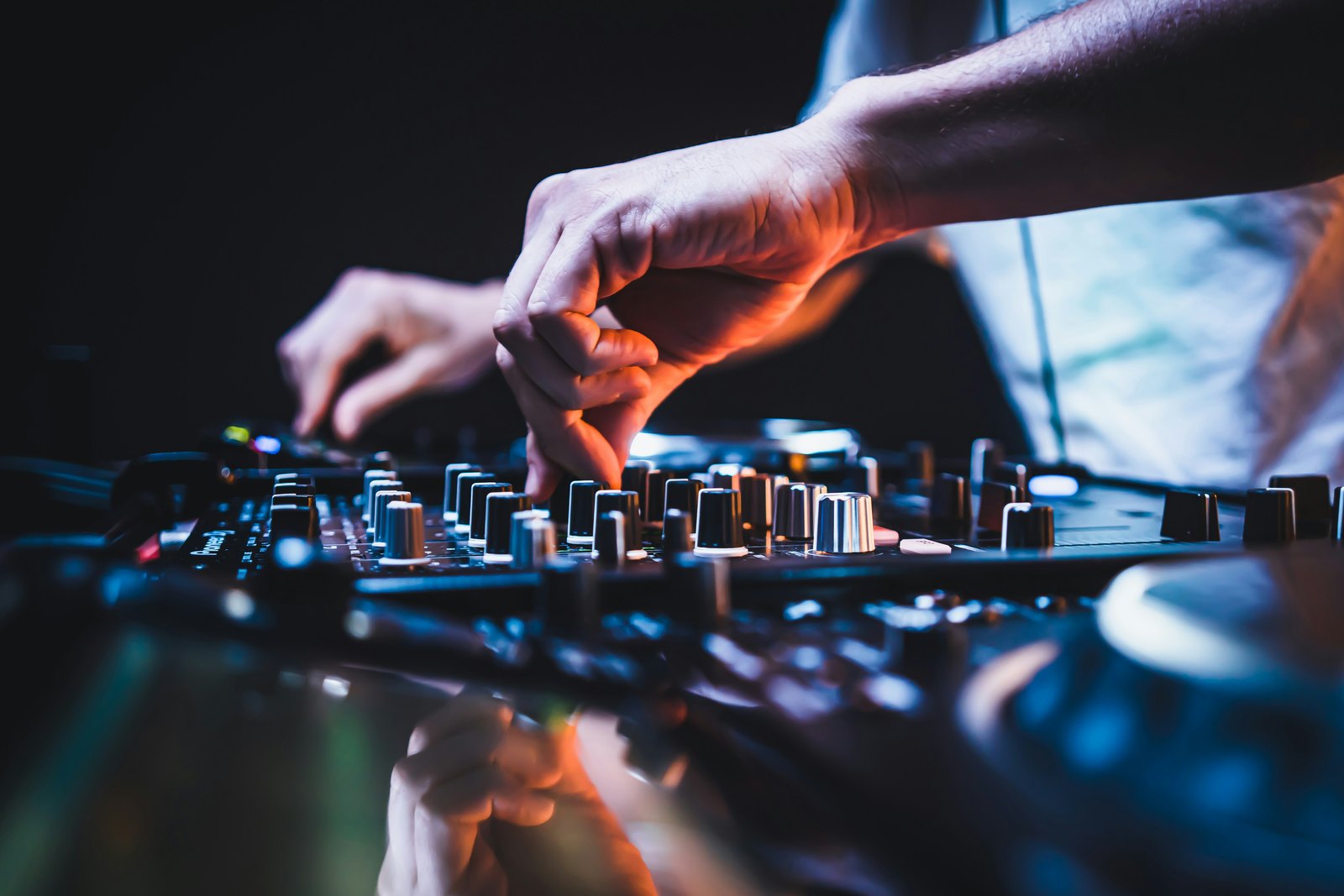
How to Record a DJ Set in a Club: DJM-REC, REC OUT, Recorders and Rekordbox Compared
To record a DJ set in a club, plug an iPhone or iPad into a compatible Pioneer DJ or AlphaTheta mixer and use the free DJM-REC app, or run the mixer's REC OUT into a portable recorder or laptop interface. Avoid the booth output and room microphones, test levels before doors, and record WAV as your master file.
You played the best set of your year, the room was going, and afterwards someone asks for the recording. You do not have one. Or you do, and it is a phone video where the kick has turned into a distorted thud and the crowd noise drowns out every blend. It happens to almost every DJ at least once.
Recording a set in a club is easy once you know which output to use and which mistakes to avoid. This guide covers the four methods that actually work in a booth in 2026, what to ask the venue before the night, and how to get a clean file you can upload, send to promoters or use for clips.
What is the easiest way to record a DJ set in a club?
If the club has a modern Pioneer DJ or AlphaTheta mixer, the easiest method is the free DJM-REC app on an iPhone or iPad. You plug the device into the mixer's USB port with one cable and record straight to the app. No laptop, no extra box, no level setting.
According to AlphaTheta, DJM-REC works with mixers that have digital send and return, including the DJM-A9, DJM-V10, DJM-V10-LF, DJM-V5, DJM-TOUR1, DJM-900NXS2, DJM-750MK2 and DJM-450. Some mixers need a firmware update first, which is something to check with the venue's tech in advance, not five minutes before your set.
A useful bonus: the app uses fader information from the mixer to create track timestamps, which makes building a tracklist afterwards much quicker.
Bring the right cable for your phone and the mixer's USB port, and put the phone in flight mode with notifications off. A call coming in halfway through can end the recording.
How do you record from the mixer's REC OUT?
Almost every club mixer has a dedicated record output, usually labelled REC OUT, on the back panel. It carries the master mix at a level that does not change when you move the master or booth volume, which is exactly what you want for a recording.
From there you need something to capture it. The two common options are a portable recorder or a small USB audio interface into a laptop. Either way you run an RCA cable from REC OUT into the recorder's line input.
The catch is level. Many DJs report that the REC OUT on a professional mixer overloads small handheld recorders, because those inputs are built for microphones and quieter sources. Users of the Zoom H1essential, for example, report clipping when connected straight to a DJM record output, even with 32-bit float recording. Recorders with proper line inputs, such as the Zoom H4essential with its XLR and TRS combo inputs, handle it more comfortably.
If your recorder has no pad, use an inline attenuator cable, or take the signal from an output that has its own volume control and keep it low. Do a 30 second test, play the loudest track in your set and check the waveform before the doors open.
Can you record a DJ set in rekordbox or other DJ software?
Yes, if you play from a laptop or plug one in. Rekordbox has a built-in recording function in Performance mode. According to the rekordbox manual, it records WAV files at 44.1kHz and 16-bit, and it saves a new file every three hours, so a long set is split rather than lost.
Recording in rekordbox is locked on the free plan unless you use hardware that unlocks it, so check your plan or controller before relying on it. Rekordbox for iOS and Android also added recording, with WAV or AAC files.
Software recording captures what the software outputs. If you mix on a club mixer with CDJs and only use the laptop for one deck, rekordbox will not hear the full mix. In that case use the mixer's USB audio interface or REC OUT instead.
Which recording method should you choose?
- DJM-REC on a phone: best when the club has a compatible DJM mixer and you want zero setup. Weak point: you depend on the venue's mixer and firmware.
- Portable recorder on REC OUT: works with almost any mixer, independent of the venue's USB setup. Weak point: input levels, so test first.
- Laptop and USB interface or the mixer's own USB audio: best quality and control, and you can monitor levels on screen. Weak point: one more thing to set up in a crowded booth.
- DJ software recording: easiest if you already play from a laptop. Weak point: it only hears the software, not the whole mixer.
For most club DJs we recommend a primary method and a backup. DJM-REC plus a small recorder on REC OUT costs very little and means one failure does not cost you the night.
How do you get good audio quality from a club recording?
Gain staging is everything. Keep your channel meters out of the red during the set. A clean mix on the mixer gives a clean recording; if you push the master into the limiter, that distortion is baked into the file.
Do not record from the booth output. The booth level gets turned up and down all night, so your recording will jump in volume. REC OUT or a digital USB connection is stable.
Avoid recording from a microphone in the room unless you want ambience on purpose. Room sound in a club is mostly bass build-up and reflections. If you want crowd atmosphere for a release, record it separately and blend a little in afterwards.
Record at least 44.1kHz and 16-bit WAV, or 24-bit if your recorder allows it. Keep the raw file untouched as your master copy before editing or converting to MP3 for sharing.
Do you need permission to record your set in a club?
Ask first. Most promoters and venues are happy for the DJ to record from the mixer, but some clubs have their own recording or streaming partners, and some have rules about any recording in the booth. A quick message to the promoter during advancing avoids awkward moments on the night.
Recording is one question; publishing is another. A DJ set is made of other people's music, so uploading it to a streaming or video platform brings copyright rules into play. Check each platform's policy before you post a full set, and treat short clips for social media the same way.
What should you do with the recording after the gig?
Listen back within a day or two, while the night is still fresh. Note the time codes of the strongest moments: the big transitions, the peak track, the moment the room reacted. Those are your social clips.
Trim the start and end, and if the levels jump between DJs or between the warm-up and your set, use gentle overall gain rather than heavy limiting. A club recording should sound like a club, not like a loudness contest.
Build the tracklist from the DJM-REC timestamps or your software history while you still remember the edits and IDs. Then save three versions: the untouched WAV master, an edited WAV for uploads, and a compressed copy for sending to promoters, who will rarely download a huge file.
What to do before your next gig
Turn this into a habit you do on every booking.
- Ask the promoter or venue tech which mixer model is in the booth and whether you can record from it.
- Install DJM-REC and test it at home or at a friend's studio if you can access a compatible mixer.
- Pack an RCA to 3.5mm or RCA to jack cable, an attenuator if your recorder needs one, and spare power.
- Record a short test before doors, check the waveform and listen back on headphones.
- Name the file with date, venue and set time straight after the gig, and back it up the same night.
A clean recording of a strong set is one of the most useful assets a DJ can have. It feeds your mix uploads, your social clips and your press kit, and it shows promoters exactly what you sound like in a real room.
Quick answers
Can I record my DJ set with just my phone camera?
You can, but the audio will usually be poor. Phone microphones struggle with the volume and low end in a club, so the kick distorts and blends sound muddy. If you want video, film on the phone and record audio separately from the mixer, then sync the two in an editing app. That gives you clean sound with real footage.
Does DJM-REC work with Android phones?
DJM-REC is published as an iPhone and iPad app. If you use Android, the practical alternatives are a portable recorder on the mixer's REC OUT, a laptop with the mixer's USB audio or an interface, or the recording function in rekordbox for Android if you play from it. Check the current app listings before the gig, as support can change.
Why does my DJ set recording sound distorted?
Usually one of two reasons. Either the mix itself was pushed into the red on the mixer, which bakes distortion into any recording, or the recorder's input was overloaded by the line level from REC OUT. Keep channel and master meters out of the red, use an attenuator or a recorder with proper line inputs, and test with your loudest track.
What file format should I record my DJ set in?
Record WAV, at least 44.1kHz and 16-bit, or 24-bit if your recorder allows. Keep that file untouched as your master. Make MP3 or AAC copies only for sharing, sending to promoters or uploading where a platform asks for compressed audio. Starting from a lossless file means every later version sounds as good as it can.