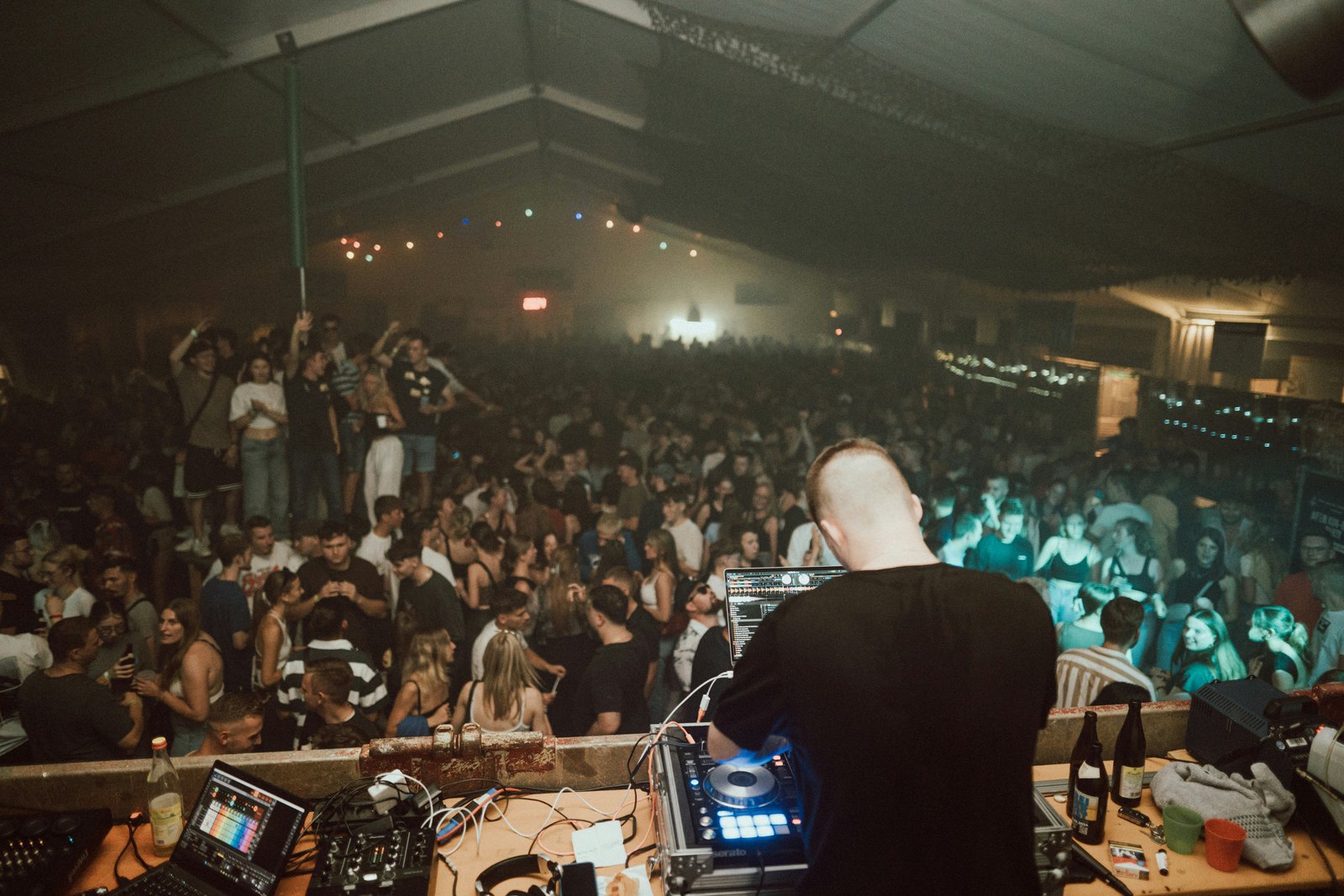
How to Post DJ Support on Instagram: Turn a Big DJ Playing Your Track Into Bookings
To post DJ support on Instagram, first get the footage the right way: repost the original clip with Instagram's repost button or ask the filmer before uploading it yourself. Then post a short Reel or carousel that names the DJ, event and track in text, tag everyone involved, save it to a Support Highlight and send it to your label and promoters.
A bigger DJ played your track last weekend. Maybe a friend sent you a shaky phone clip from the floor, maybe it turned up in a festival recording, maybe a promo inbox told you it was shortlisted. You know it matters. What you do not know is how to post it without looking needy, breaking someone's copyright or wasting the moment on a story that disappears in a day.
This guide is for producers in techno, hard techno and the wider electronic scene who want to post DJ support on Instagram properly. It covers how to find the support, how to get permission for the footage, which format to use, what the caption should say and how to turn one clip into streams, label interest and bookings.
What counts as DJ support, and is it worth posting?
In electronic music, support means another DJ playing, charting or recommending your track. It ranges from a headliner dropping your unreleased record at a festival to a respected local resident playing it every week. All of it is worth noting. Only some of it is worth a feed post.
Support matters because it is social proof that people in the industry trust. Labels, promoters and other DJs read it as a sign that your music works on real dance floors. A support clip says something a press release cannot: this record already moved a crowd.
Be selective about what goes on your grid, though. A feed full of reposted clips of other people looks like a fan account. A good rule is to save the feed for support that a promoter or label would recognise, and use Stories and a Highlight for everything else.
- Feed post or Reel: a well known DJ, a clear clip, a visible crowd reaction.
- Story: a smaller DJ, a tracklist screenshot, a radio show play, a promo shortlist.
- Highlight: every piece of support, collected in one place for anyone checking your profile.
How do you find out a DJ played your track?
Most producers miss half their support because nobody tells them. Build a simple routine instead of waiting for a friend to send a clip.
- Check 1001Tracklists. It maps tracks to the tracklists they appear in, and artist and label accounts can monitor which of their tracks other DJs are playing. Unreleased music often shows as an ID, so look for sets where your track might be listed that way and politely suggest the correct title.
- Read your promo feedback. Promo pools and submission inboxes often tell you when a DJ downloads, rates or shortlists a track. Screenshot it the same day.
- Search recent set recordings. Festival and club sets go up on YouTube, SoundCloud and Mixcloud within days. Scrub to the timestamps listed in the tracklist.
- Watch location tags and event hashtags. After a big weekend, the venue's location page and the event's tagged posts are full of crowd clips.
- Ask your network. Tell friends who go out to film and send you anything that sounds like your record.
Keep a running list with the date, DJ, event, city and where the evidence lives. It takes a minute per entry and it becomes the backbone of your EPK.
Can you repost a video of a DJ playing your track?
You own the track, but you do not own the video. The person who filmed it holds the rights to the footage, and the DJ and the event have an interest in how their performance is shown. Treat every clip as borrowed.
The cleanest route is to use Instagram's own sharing tools. Since August 2025 Instagram has let users repost public Reels and feed posts from other accounts. The repost credits the original creator, sits in a Reposts tab on your profile and can carry a short note. If the DJ, the event or a fan posted the clip publicly, reposting it is the safest option and keeps the views on the original post.
If someone tags you in a Story, you can share it to your own Story directly. That is the second safest route.
Downloading a clip and uploading it as your own Reel is where people get into trouble. If you want to do that, for example to add your own caption, a cleaner audio edit or a release date card, ask first.
- Message the person who filmed it and ask if you can repost with credit.
- If it is official footage from the event, ask the event or the DJ's team.
- Credit the filmer in the caption and tag them in the video.
- Never crop out watermarks or handles.
Most fans and smaller events say yes quickly, because your post sends people back to them. Bigger DJs and festivals sometimes have rules about official footage, so ask their team rather than assuming.
Which format works best: Story, Reel, carousel or repost?
Each format does a different job, and the strongest support posts use more than one.
A Reel is for reach. Keep it short, start on the moment the track hits rather than on the build, and add a simple text overlay naming the DJ, the event and your track title. Most people watch without sound at first, so the overlay does the explaining.
A carousel is for proof. If you have several pieces of support for one release, put the strongest clip first, then tracklist screenshots, a chart placement or a promo shortlist. Carousels let a label or promoter see the pattern in one swipe.
A repost is for speed and goodwill. Repost the DJ's or the event's own clip within a day, add a short note of thanks, and you have shown support for them as well as for yourself.
A Story is for everything else. Use the music sticker if your track is released and available in Instagram's library, and link to your release with a link sticker. Then add it to a Support Highlight so it does not vanish after 24 hours.
How should the caption and tags read?
The caption is where most producers either undersell the moment or overdo it. Aim for calm and specific. You are reporting a fact, not begging for attention.
- Line one: what happened, in plain words. Your track, the DJ, the event, the city.
- Line two: a short thank you to the DJ and, if relevant, the person who filmed it.
- Line three: what the track is and when people can hear it. Release date, label or that it is still unreleased.
- Tags: the DJ, the event, the venue, the label and the filmer. Use the location tag for the venue.
Always include the full track title and your artist name in text. The #RespectTheCreators campaign, launched in 2024 by the Association for Electronic Music and backed by fabric, Glasgow Underground and Richie Hawtin, asks DJs and promoters to credit the music in their clips. The research it cites suggests that up to 90% of DJ performance content shared on Instagram does not credit the tracks being played. When you post support yourself, you fix that for your own record and make it searchable.
Skip the long hashtag list. Two or three genre or scene tags are plenty. Your tags on the DJ and the event do far more for discovery than generic hashtags ever will.
How do you turn support into streams and bookings?
A support clip that sits on your profile is nice. A support clip that is sent to the right people is useful.
- Time it with your release. If the track is unreleased, the support clip is your best teaser. Post it with the release date and a pre-save in your Story. If it is already out, link straight to the release.
- Answer the ID comments. When people ask for the track ID under the DJ's post, reply with the title and release date. That is where the most motivated listeners are.
- Send it to your label. Labels decide how hard to push a release partly on early signals. A clip of a well known DJ playing it is one of the strongest signals you can give them.
- Add it to your EPK and promoter pitches. A short line such as played by a named DJ at a named festival carries real weight, especially for promoters in your genre.
- Thank the DJ privately. A short message after you post, with no request attached, keeps the door open for the next record you send them.
Do not tag the DJ in every Story for weeks or post the same clip five times. Support compounds over months. The goal is a profile where anyone who checks you out sees a steady pattern of respected DJs playing your music.
One clip of a respected DJ playing your track, posted well and sent to the right people, does more for a release than a week of generic promo.
What to do this week
Set up the system before the next clip arrives, so you can move fast when it does.
- Create an account or follow your artist page on 1001Tracklists and check every track you have released or sent as a promo.
- Start a support log with date, DJ, event, city and a link to the evidence.
- Make a Support Highlight on your profile with a clean cover and add your three best pieces of support.
- Write a caption template with the three lines above so you can post within hours, not days.
- Message one person who filmed a clip of your track, ask permission to repost with credit, and post it as a Reel with a clear text overlay.
Do this every time and in a few months your profile will show what labels and promoters want to see before they book you: proof that other DJs already play your music.
Quick answers
Do I need permission to repost a clip of a DJ playing my track?
You own the music, but the person who filmed the clip owns the video. Using Instagram's repost button or resharing a Story you are tagged in keeps the credit with the original poster and is the safest route. If you want to download the clip and upload it as your own Reel, ask the filmer first and credit them in the caption and the video.
What if the DJ played my unreleased track and fans keep asking for the ID?
That is the best kind of attention, so use it. Reply to the ID comments with your artist name, the track title and either the release date or a note that it is coming soon. Post the clip with the same details and a pre-save link in your Story. If the label has not announced the release yet, check with them before you share a date.
Should I post support from smaller local DJs as well?
Yes, but usually in Stories rather than on your grid. Support from respected local residents shows that your music works in real clubs, and it builds relationships in your scene. Share it to your Story, thank the DJ, and add it to a Support Highlight. Save feed posts and Reels for the clips that promoters and labels outside your city will recognise.
Will posting a support clip with my own track get it muted on Instagram?
It can happen if your release is registered with rights management and the clip also contains other music, or if the audio is matched to a version you do not control. Keep clips short, centred on your own track, and post from an account where you can check any notices. If your own release is flagged on your account, ask your distributor how to clear it.
How often should a producer post DJ support?
Post support when it happens, but keep your feed balanced. One support Reel or carousel for each meaningful moment is enough, with smaller plays going to Stories and your Highlight. If support makes up most of your recent posts, mix in your own studio content, sets and release news so your profile still looks like an artist and not a repost page.