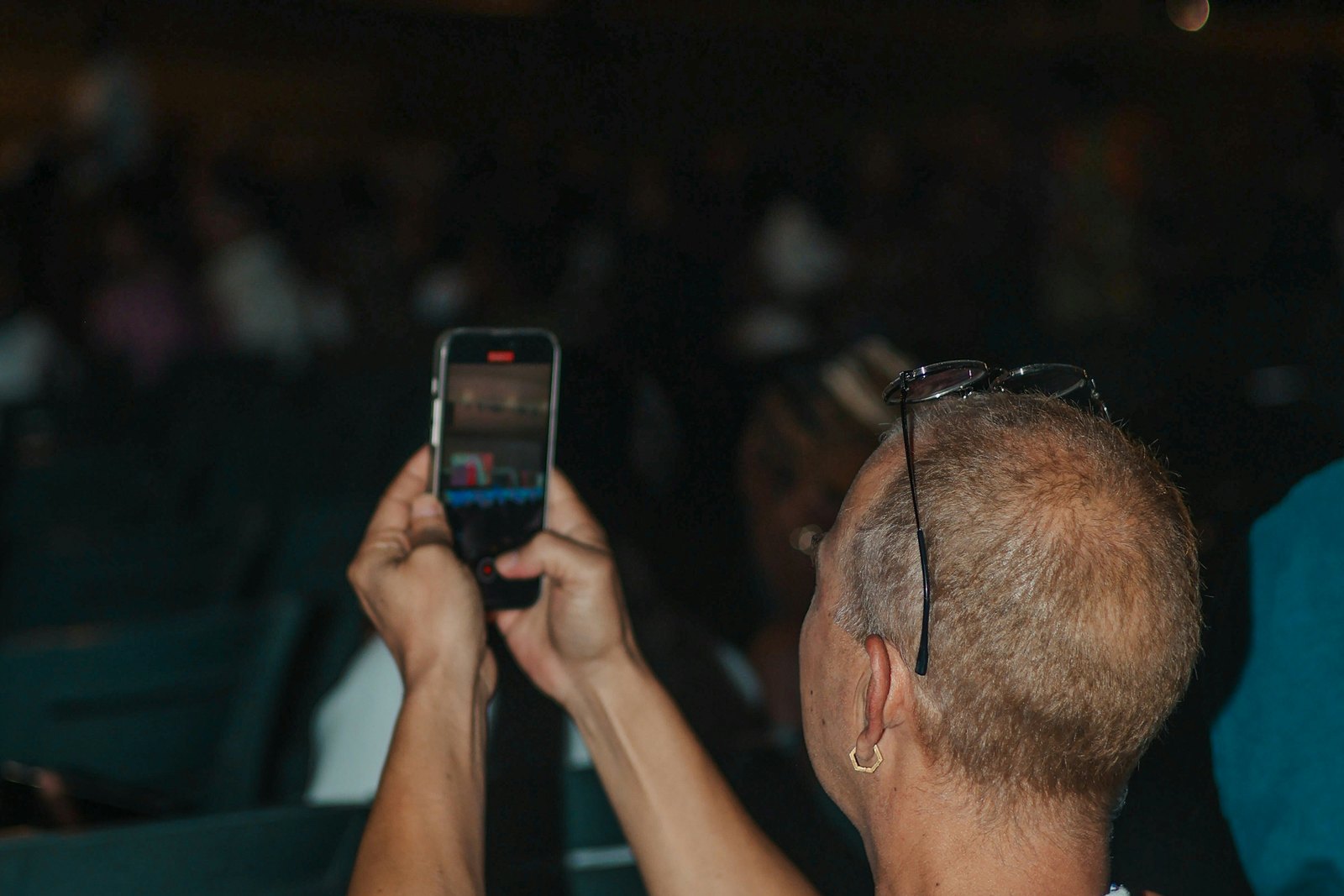
How to Film Your DJ Set at a Club: Angles, Clean Mixer Audio and a Fast Edit Workflow
To film your DJ set at a club, get permission in the advance, clamp one phone behind your shoulder facing the crowd and one beside the mixer, shoot vertical at 25 or 50 frames per second, and record audio from the mixer's booth or record output rather than the phone microphone. Sync them by waveform afterwards and post short clips.
You played a great set on Saturday. The room went off at 03:10, someone next to the booth filmed it, and on Sunday you watched the clip back: a blown-out wall of distortion, a black screen with a strobe flickering through it, and the back of your own head. Nothing you could post, and nothing a promoter would want to see.
Most guides to filming DJ sets assume you are at home with a controller, a ring light and all the time in the world. A club is a different job. It is dark, loud and crowded, the venue has rules, the crowd has rights, and you are busy playing. This is the workflow we use with touring DJs to come home with footage that actually works on social media.
Why does most club footage look and sound so bad?
Three things break almost every clip. First, audio: a phone microphone next to a club system clips instantly, and the platform's compression makes that distortion worse after upload. Low end turns to mush and the crowd noise drowns the track.
Second, light. Club lighting swings from near-black to full strobe in a second, so the phone keeps hunting for exposure. LED walls and fixtures add banding and flicker, because many lights pulse at twice the mains frequency, which is 100 times a second on the 50 Hz grid in Europe.
Third, the angle. Most gig footage is shot from the floor looking up at a silhouette, or from behind the DJ showing nothing but a screen. Neither tells a viewer what makes your sets different. Fix all three and you are already ahead of most DJs on your line-up.
Are you even allowed to film in the club?
Ask before the night, not at the door. Plenty of techno clubs have a strict no-photo policy. Berghain puts stickers over phone cameras at security, and fabric in London introduced a no photo, no video rule of its own. Other venues allow filming from the booth but not on the floor, or only by their house photographer.
Put the question in your advance: can you film from the booth, can you mount a small camera, and does the venue have its own photographer or videographer whose footage you can use? A house photographer is often the best answer, because they know the room and the crowd already expects them. Ask for the raw clips, not only the edited aftermovie.
Then think about the crowd. In the EU, a clip where people are recognisable counts as personal data under the GDPR, and in the Netherlands portrait rights apply on top of that. A line in the ticket terms does not always count as valid consent. The practical rule for DJs is simple: shoot the crowd as a mass of hands, lights and silhouettes, point the camera at yourself and the decks, and avoid close-ups of individual faces unless that person has said yes. It keeps you on the right side of the law and of the club's culture.
Where should the camera go in a DJ booth?
You need one angle that shows the room reacting and one that shows you working. Everything else is a bonus.
- The hero angle: a phone clamped behind and slightly to one side of you, high enough to see over your shoulder into the crowd. This is the shot that sells a gig, because it shows your hands and a full floor in one frame. - The hands angle: a second phone at the side of the booth, pointed at the mixer and your face in profile. This is where transitions, effects and reactions live. - The floor angle: a friend or the house photographer in the crowd for a few minutes around your peak moment, filming back towards the booth.
Use a clamp or a small flexible tripod, not a phone propped against a monitor. Booths shake, and a phone that falls onto a CDJ mid-set is a bad night. Tape down any cable, keep everything well away from the jog wheels and faders, and check with the resident DJ or the technician before you touch anything in their booth.
Shoot vertically for Reels, TikTok and Shorts, all of which want a 9:16 frame at 1080 by 1920 pixels. Cropping a horizontal clip later usually cuts off either you or the crowd. If you want a horizontal version for YouTube, give it its own phone.
Before you start, lock exposure and focus on the brightest part of the shot you care about, usually your face or the decks under the booth light, so the phone stops hunting every time a strobe fires. In Europe, record at 25 or 50 frames per second and, if your camera app allows manual control, set the shutter to 1/50 or 1/100. That matches the 50 Hz grid and removes most of the banding from LED walls.
How do you record clean audio from the mixer?
This is the single biggest upgrade. Take the sound from the mixer, not the room, and your clips instantly sound like a record instead of a phone in a club.
Club mixers give you a few ways in. On a Pioneer DJM-900NXS2 you can plug an iPhone or iPad into the USB send and return port and record straight into Pioneer DJ's DJ-REC app. Most club mixers also have a REC OUT and a BOOTH OUT. REC OUT is fixed and often too hot for small recorders, so the BOOTH OUT is frequently the better choice, because its level is adjustable. Check with the technician first, because the booth monitors may already be using it.
A compact wireless kit is the other easy route. The DJI Mic 2 receiver takes a 3.5mm TRS input, so an RCA to 3.5mm cable from the mixer's recording output feeds line level audio straight into it, and the receiver then records onto your phone. Its transmitters can also record internally, up to 14 hours of 48 kHz, 24-bit audio, which makes a good backup.
Whatever you use, watch the levels. Keep your own master out of the red during the set, and set the recorder so the loudest drops peak comfortably below maximum. Clipped audio cannot be repaired afterwards.
Keep the room sound too. Let each phone record its own microphone track. In the edit, the mixer recording carries the music and a little of the room track adds the cheers and the energy. Pure board audio can sound strangely sterile against a video of a packed floor.
How do you sync and edit the clips without losing a whole week?
Mark the moments while you play. Every time a transition lands or the room reacts, glance at the clock and send yourself a one-word note, or ask a friend on the floor to do it. It turns hours of footage into a shortlist of five timestamps.
To line up the phone video with the mixer audio, use DaVinci Resolve. Its Auto Sync Audio feature matches clips by waveform, comparing the phone's rough microphone track with the clean recording, and it is available in the free version. Select the clips and the audio, right click, and choose to sync based on waveform. For single clips, CapCut or Instagram's Edits app are faster. Edits lets you import your own audio files, detect beat markers so cuts land on the drop, and apply the same adjustments to several clips at once.
Cut each clip around one idea: a transition, a drop, a crowd reaction, a track people keep asking about. Start on the moment itself, not the build up to it. Add a short caption with the venue, city and date, and the track title if it is yours or an ID you are allowed to name.
What should you post, and where?
Instagram Reels can now run up to three minutes, but gig clips rarely need more than a single drop or transition. Short clips get watched to the end and replayed, which is what the algorithm rewards. Save the longer cuts for YouTube, or for a full recording if you have one.
Be realistic about music rights. Meta's Rights Manager fingerprints the audio in every upload and compares it with files from rights holders, so a clean board recording of someone else's track is easier to match than a muffled phone clip. The result can be a muted Reel, a blocked region or reduced reach. Lead with your own productions and edits where you can, keep third-party tracks to short moments with you clearly performing on screen, and expect the odd mute.
Post the best clip within 24 hours while the night is still being talked about, and invite the promoter and the venue as collaborators so it lands on their profiles too. Then keep the rest. A folder of well-shot clips from twenty gigs is the raw material for months of content, your next EPK and your next pitch to a booker.
What to do this week
- Add three questions to your advance template: filming policy, booth mounting, and whether there is a house photographer. - Buy one phone clamp and one cable that gets the mixer's recording output into your phone or wireless receiver, and test it at home. - Set your camera app to 25 or 50 frames per second and practise locking exposure in a dark room. - At your next gig, film only two angles and note the times of your three best moments. - Sync one clip in DaVinci Resolve or Edits and post it within a day, tagging the promoter as a collaborator.
Do this for a month and filming stops being a gamble. You will leave every gig with at least one clip that looks and sounds like the night actually felt, and that is the one thing a promoter scrolling your profile needs to see.
Quick answers
Do I need a videographer to film my DJ sets?
Not at the start. Two phones, a clamp and a cable from the mixer will give you better social clips than most gig footage online. A videographer earns their fee for flagship shows, aftermovies and EPK footage, where varied angles and professional colour matter. Before paying one, ask whether the venue already has a house photographer whose raw clips you can use.
Can I post a clip if a crowd member's face is visible?
In the EU, a recognisable face is personal data, and in the Netherlands portrait rights apply as well, so be careful with close-ups. Wide shots where people blend into the crowd carry far less risk. If one person is clearly the focus of the clip, ask for their permission before posting, or choose a different moment from the footage.
Why does my recording distort even from the mixer?
Usually because the output feeding your recorder is too hot. The REC OUT on many club mixers is fixed and louder than small recorders expect. Try the BOOTH OUT, which has its own level control, or lower the gain on your recorder or wireless receiver. Also keep the mixer's master out of the red, because clipping at the source cannot be fixed later.
Should I film my whole set or just the highlights?
For social media, highlights. Record the whole set if you can, but plan to post only the strongest 15 to 60 seconds from a few moments. A full-length video is worth publishing only if you have the rights for the music and a platform suited to long mixes, and it needs a fixed camera and continuous clean audio for the full duration.
What if the club bans phones on the dance floor?
Respect it and ask about the booth instead. Some venues with strict floor policies still allow artists to film from behind the decks, or share clips from their own photographer. If filming is off limits entirely, record the mixer audio only, then use stills or footage from other gigs. The club's rule is part of why people love going there.