How to DJ on TikTok LIVE Without Getting Muted: Music Rights, Audio Setup and Set Format
To DJ on TikTok LIVE you need LIVE access (18 or over and usually 1,000 followers, depending on your market), a clean line feed from your mixer into your phone or streaming software, and the rights to what you play. TikTok's music terms bar its sound library from LIVE and require permission for recorded music you do not own, so build sets from your own and cleared tracks.
Every DJ has seen it. Someone mixing in their bedroom on TikTok LIVE at 1am, a few hundred people watching, gifts floating up the screen. Then you try it yourself, and twenty minutes in the audio drops out, or the stream ends with a violation notice and you have no idea which track caused it.
DJing on TikTok LIVE can work, and it can bring you real listeners who later turn up at shows. But it only works if you get three things right: what you are actually allowed to play, how the audio gets from your mixer into the app, and a set format built for people who arrive halfway through. Most of the videos ranking for this topic cover one of the three, badly. Here are all of them.
Can you legally play other people's tracks on TikTok LIVE?
Start with what TikTok itself says, because almost nobody quotes it. TikTok's Music Terms of Service, including the version that applies in the EU, state that you cannot use Sounds or Commercial Sounds in a live stream. They add that to use recorded music you do not own in a LIVE, you must have all the rights and permissions you need. In plain terms: the sound library that covers your short videos does not cover your LIVE, and buying a track is not a broadcast licence.
Enforcement is inconsistent, which is why you can find DJs streaming chart records for hours without trouble. TikTok's audio recognition can mute sections or cut a stream, and repeated violations can cost you LIVE access altogether. Inconsistent enforcement is not permission, and the thing at risk is the feature you are trying to build a habit around.
What you can play with a clear conscience:
- Your own productions and unreleased music you fully control, with any samples cleared.
- Tracks by friends and label mates who have said yes in writing. Save the message.
- Promos where the label has confirmed that livestreams are fine. Many smaller electronic labels agree, because a LIVE is promotion for the record.
- Collaborations you co-own, with your co-producer's agreement.
For a producer who DJs, an all-own-music or mostly-own-music LIVE is also the stronger show. People come to hear you, and every "ID?" in the chat is a track you can point them to on streaming. If you only play other people's music and want to stream full sets, a platform with licensing built for DJs, such as Twitch's DJ Program, is the better home for that, with TikTok LIVE reserved for your own material.
What do you need before your first DJ stream?
TikTok LIVE requires you to be 18 or over and, for most accounts, to pass a follower threshold that is usually 1,000 but varies by market. Receiving gifts has its own eligibility rules on top. If you are below the threshold, spend that time posting short clips of you mixing and producing; those are what get you there, and they become the trailer for your streams later.
The second requirement is less obvious. To stream from a computer you need either TikTok LIVE Studio, TikTok's own desktop app, or a stream key for broadcasting software such as OBS. Stream keys are not given to every account automatically, and LIVE Studio has historically been Windows-first, so Mac users usually depend on the stream key route. Check what your account actually offers on desktop before you buy a capture card or a second camera.
How do you get clean audio from your mixer into TikTok?
This is where most DJ streams fall apart. A phone microphone in a room with monitors gives you pumping, distorted bass and room echo. You want a direct line feed.
- Take audio from the mixer's record output rather than the master. On most club mixers the record level does not move when you turn the room up, so your stream level stays steady.
- Run it into a small USB audio interface. For a phone, use one that explicitly supports mobile devices; for a computer, any class-compliant interface works.
- If you want to talk, put a microphone on a separate input, so your voice does not pass through the mixer's EQ and filters.
- In OBS or LIVE Studio, set audio to 48 kHz stereo, keep peaks around minus 6 dB, and put a limiter on the output. Club music is dense, and a limiter stops the drop from clipping the stream.
- Record ten minutes locally and listen back on headphones and on a phone speaker before you ever go live. Plenty of your audience will hear you on the second one.
Use a wired internet connection where you can, silence notifications on the streaming device, and keep the phone on a charger. A stream that dies at 12 percent battery is a stream nobody comes back for.
Phone or computer: which setup should a DJ use?
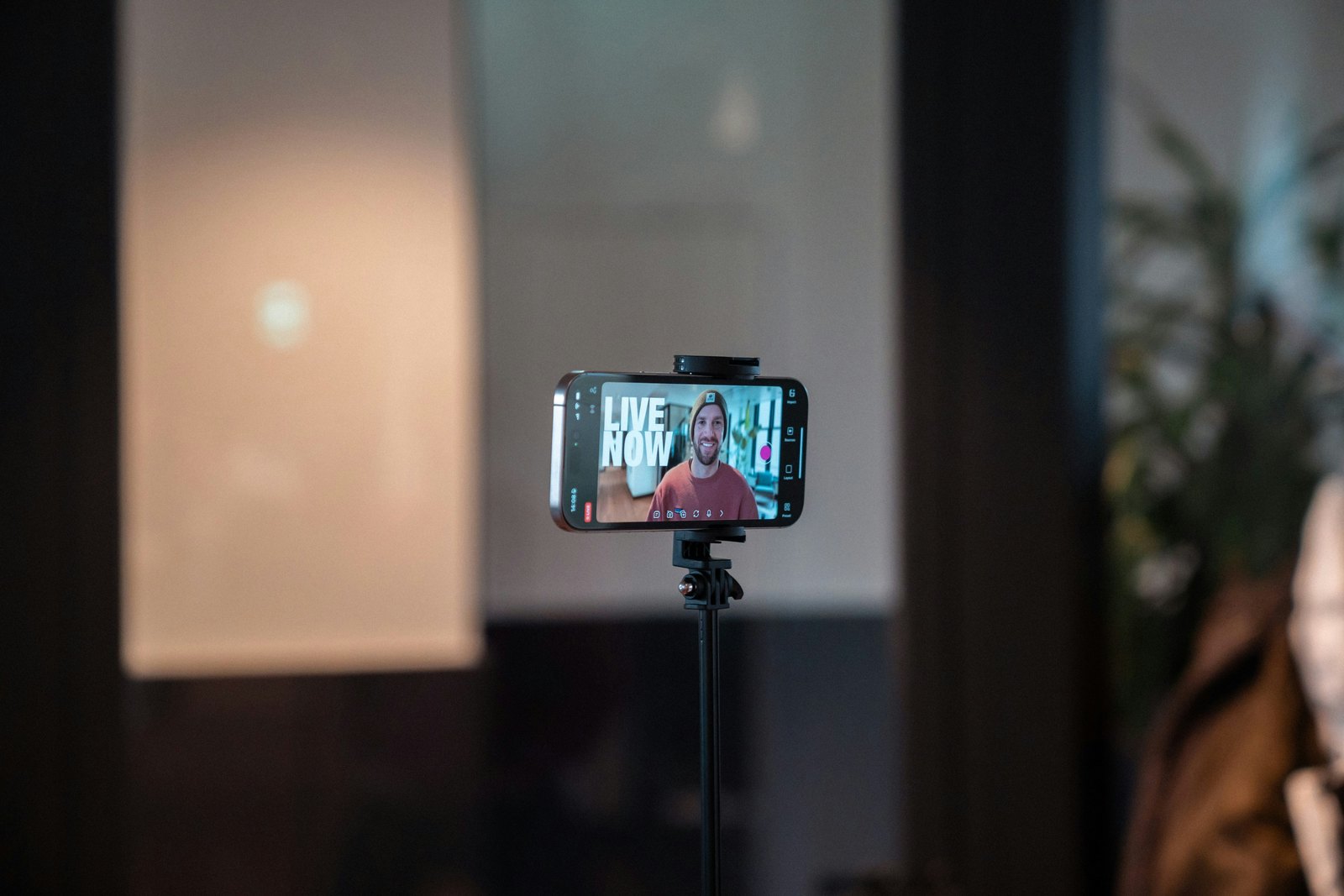
A phone is the fastest way to start. It is vertical by default, the TikTok app handles chat and gifts natively, and the whole kit fits in a backpack. The weaknesses are one camera angle and audio routing that depends on your phone accepting an external interface.
A computer running LIVE Studio or OBS lets you switch between two cameras (hands on the decks, your face), add an on-screen line with your name and the genre, and run the full audio chain with a limiter. Set the canvas vertical at 1080 by 1920, because TikTok LIVE is watched on phones, and a landscape frame wastes most of the screen.
Our default for DJs starting out: the phone, a proper line feed, one soft light on your face, and the phone at eye level beside the decks rather than looking down at them. Move to a two-camera desktop setup once you are streaming weekly and know the format works.
What set format keeps TikTok LIVE viewers watching?
People do not arrive at the start of a LIVE. They swipe in from the For You feed or the LIVE tab mid-mix and decide in seconds whether to stay. Design the stream for arrivals, not for someone listening from the first track.
- Keep your face in frame and lit. A shot of decks alone looks like a screensaver.
- Put one line on screen saying what this is: genre, tempo range, your name. "Hard techno, 150 BPM, all own productions" gives a stranger a reason to stay.
- Talk every few minutes, briefly. Greet new names, answer an ID question, say what is coming next. Mute the mic during blends.
- Pin a comment with the one action you want: follow for next week's stream, or save the track you are about to play.
- Build peaks you can clip later: a drop held back until twenty minutes in, the first play of an unreleased track, a B2B partner joining as a LIVE guest.
- Stream on the same day and time every week. Regulars are what turn a LIVE from a lottery into a room.
On length, an hour is a sensible start for most DJs. It gives the feed time to send people in without asking you to hold energy for three hours in an empty room. Stretch it when the viewer count is still climbing at the end, not because a guide told you longer streams rank better.
What to do after the stream ends
The LIVE is only half the value. TikTok's LIVE Highlights lets you clip moments after the broadcast, and a one-hour stream should give you at least three short videos: the best drop, the funniest chat moment and the first play of something new. Post them within 48 hours, while the people who watched still remember being there, and caption them with the stream day so the next LIVE is already announced.
What to do this week
- List the tracks for your next hour and mark which are yours or cleared. If there are fewer than ten, make this LIVE a production session or a shorter set.
- Message two producer friends and one label to ask, in writing, whether you can play their tracks on stream.
- Build the audio chain and do a ten-minute local test recording.
- Choose a weekly slot and announce it in a pinned post and a Story.
- After the stream, cut three clips and post them within two days.
Do that for six weeks and TikTok LIVE stops being a gamble with your account. It becomes a weekly show people plan around, built on music you are allowed to play.
Quick answers
Why does TikTok mute my DJ LIVE?
Usually because its audio recognition matched a commercial recording you do not have rights to broadcast. TikTok can mute the matched section or end the stream, and repeated matches can put your LIVE access at risk. The fix is not louder crowd noise or pitch tricks; it is building the set from your own productions and tracks you have written permission to stream.
Can I use TikTok's sound library during a LIVE?
No. TikTok's music terms state that you cannot use Sounds or Commercial Sounds in a live stream. The library is licensed for short videos, not broadcasts. If you want music in a LIVE, it has to be music you own or have permission to use, which for most DJs means your own tracks, friends' tracks and cleared promos.
Do I need 1,000 followers to DJ on TikTok LIVE?
In most markets you need to be 18 or over and pass a follower threshold that is usually 1,000, although TikTok varies it by region and account. Until you get there, post short clips of your mixing and production at a steady pace. Those clips grow the following and become the trailer for your streams once LIVE unlocks.
Is Twitch better than TikTok LIVE for DJ sets?
For full sets of other people's records, yes: Twitch's DJ Program was built with label deals for exactly that. TikTok's advantage is discovery, because strangers swipe into LIVEs from the For You feed. Many DJs stream long sets on Twitch and use TikTok LIVE for shorter shows of their own music, where rights are simple and every track can convert.
Can I stream my club gig on TikTok LIVE?
Only with the promoter's agreement, and the music rules do not change because you are in a club: the venue's performance licences do not cover your broadcast. Club audio from a phone also sounds poor. Filming the gig and posting short clips of your own tracks afterwards is usually the better move.